Original: $119.00
-70%$119.00
$35.70The Story
Compared to other 95% OBD2 scanner in the market, Launch Creader VII+ can test Transmission System, while many other Same types of Scanners DOES NOT!
LAUNCH Creader VII+ OBD2 Scanner highlights:
– Retrives Manufacturer Specific Enhanced Data for Domestic, Asian and European vehicles
– Reads and Records Data Streams for ABS, SRS, Transmission and Engine
– Auto ID Vehicles, Auto Module Search & Fast Protocol ID
– Reads and clears codes on Engine, Transmission (A/T), ABS, and Airbag (SRS) systems – on most makes and most models (16 Pin) after 2006 year .
– Support for all 10 test modes of OBD II with Enhanced OBD II Mode 6 – View freeze frame data and I/M Readiness monitor status
– Retrieves generic and manufacturer specific codes
– Current, Permanent & Pending
– Graph, record, and replay data in full color
– Menu with DTC definitions in English, Spanish, French, German, Italian, Russian, Japanese, and Portuguese.
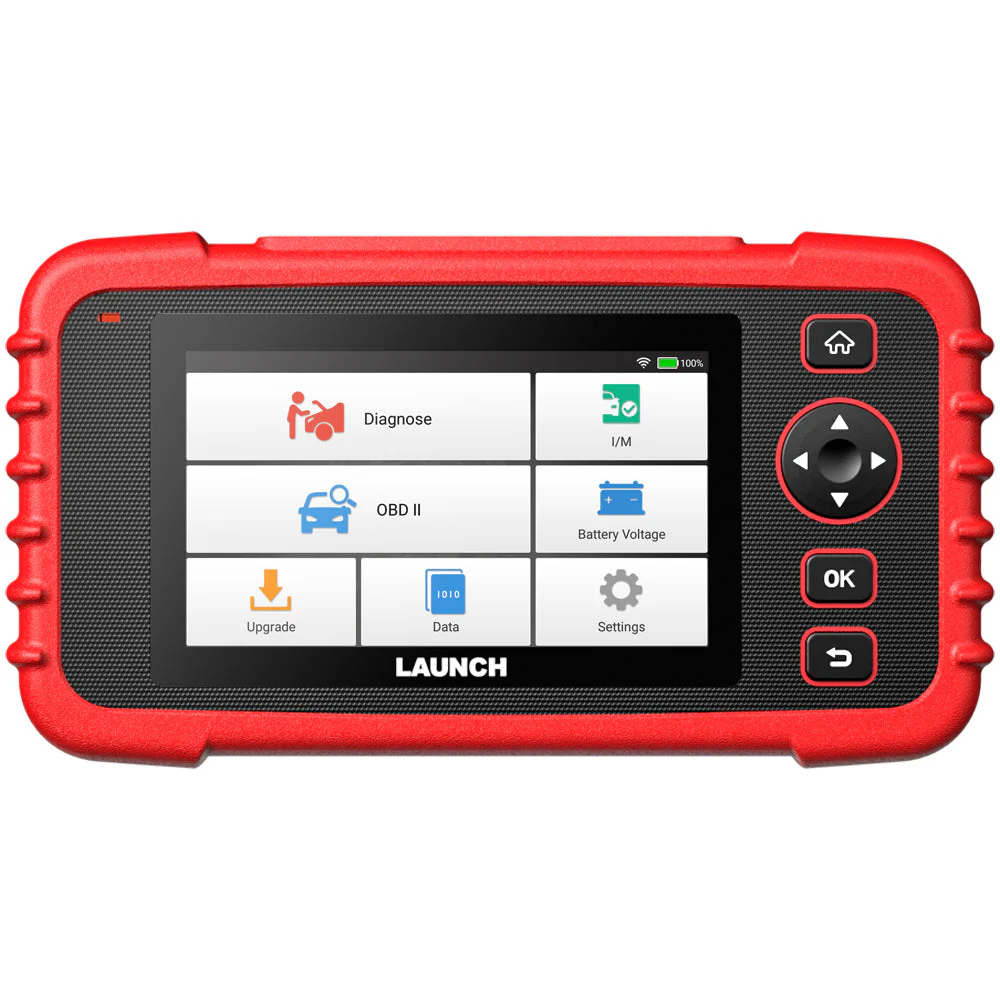
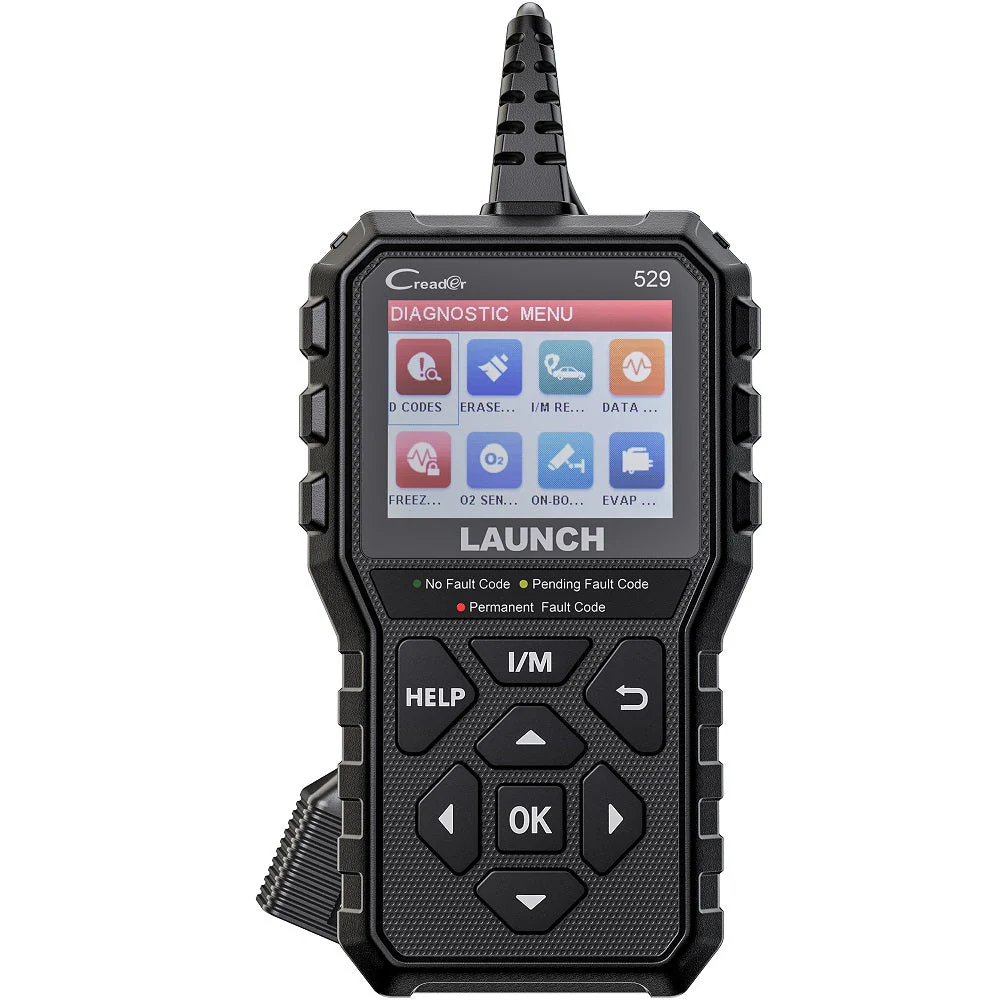
– Intuitive Interface and Button Operation with Sleek, Rugged Design 3.5” TFT full color display
– Free Internet updates
– Prints data via PC
ABS System Diagnostic
Like other systems, braking systems have evolved and become more complex, with multiple sensors and actuators operating together to make braking more smooth, consistent and safe for everyone. The LAUNCH Creader VII+ scan tool allows the user to monitor and diagnose critical ABS systems to ensure that repairs to this critical system are effective, and complete.
Full OBD2 Functions - 10 OBDII Test Modes
The LAUNCH code reader Creader VII+ is an enhanced scan tool specially designed for most 1996 and newer OBDII-compliant vehicles. Compared to basic OBD2 scanner/code readers, it provides complete OBDII diagnostics, including:
Read and Clear DTCs: Show the detailed description of the Diagnostic Trouble Code (DTC) and clear/reset the diagnostic information.
Turn-off Malfunction Indicator Light (MIL).
Read I/M Readiness Status: Show whether the various emissions-related systems on the vehicle are operating properly and are ready for inspection and maintenance testing.
Read Live Data Stream: Show the information of continuous data stream from vehicle in live graphic (waveform) display.
Read Freeze Frame Data: Check the certain vehicle conditions which are recorded by the on-board computer at the time the emission-related fault occurs.
O2 Sensor Test: Show the last results of O2 sensor test in graphic display for troubleshooting.
On-Board Monitor Test: Read the results of on-board diagnostic monitoring tests for specific components/systems.
Read Vehicle Information: Display the information such as VIN (Vehicle identification Number), CID (Calibration ID) and CVN (Calibration verification number), etc.
EVAP Test for Fuel Tank System (Carbon canister test).
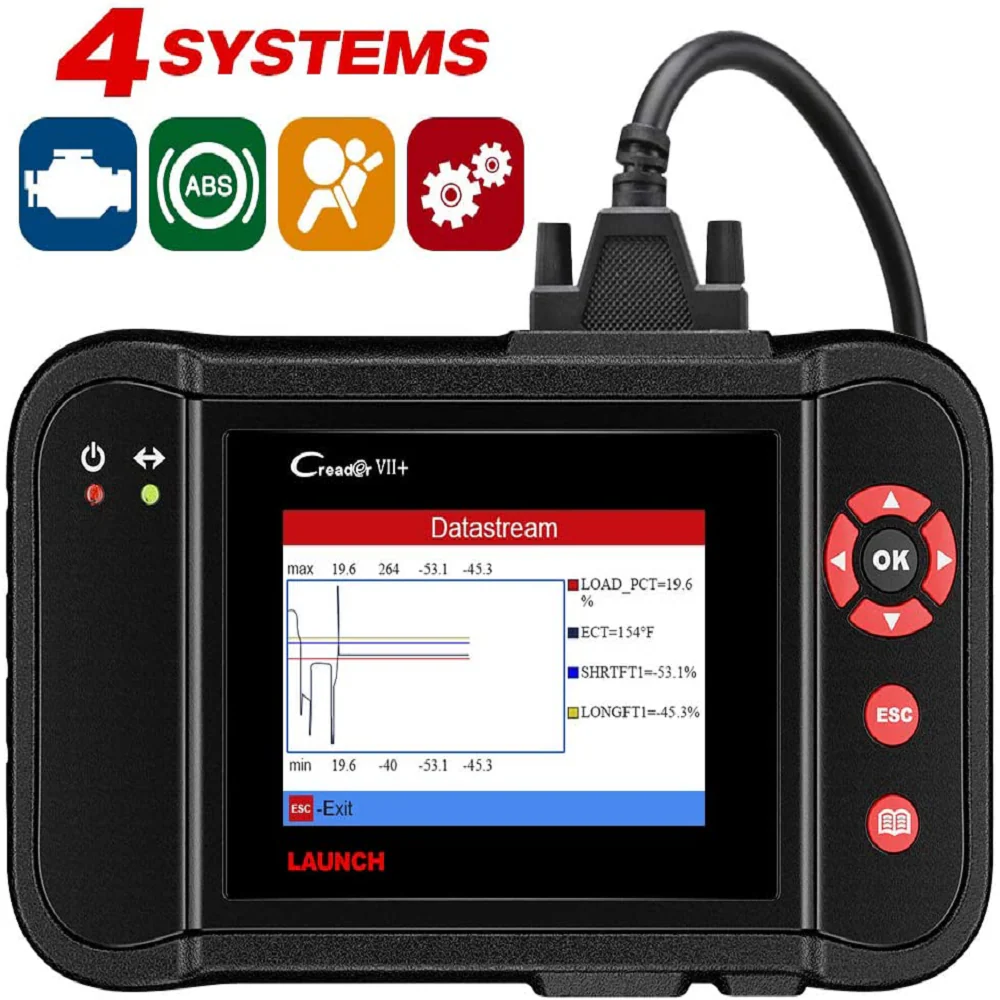
View Live Data Graphing of Engine/AT/Airbag/ABS System
4 Live Data Stream Analyse in 1 Graph:
This OBDII code reader has big size LCD color screen. it also shows live vehicle sensors data in text, multiple graph format shows 4 live Readiness and allows you to focus on any suspicious or symptom-specific data parameters of Engine & AT & Airbag & ABS System.
How to Register & Update This Scan Tool LAUNCH Creader VII+?
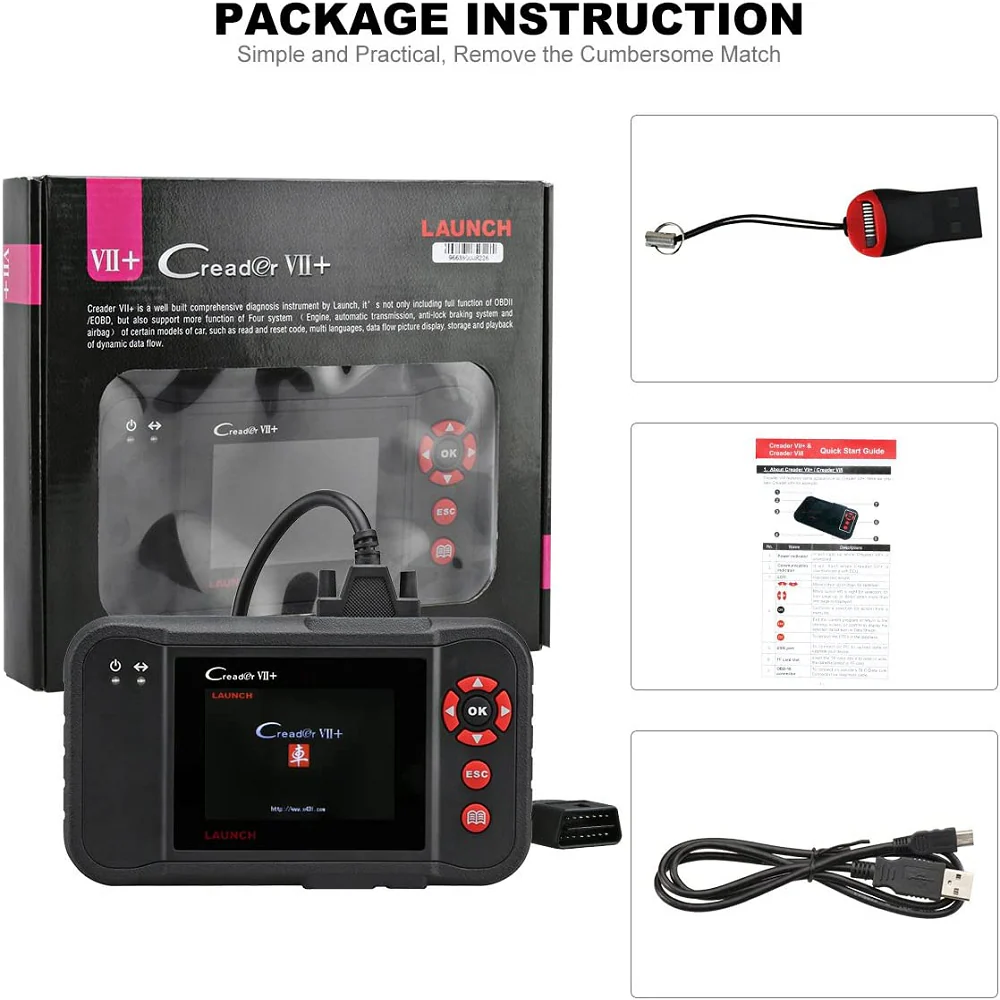
Step 1: Go to LAUNCH official website (refer to the "User Guide" in the "Product guides and documents "section of product webpage) and click Updating Tool Download icon.
Step 2: Download and install the Creader VII+ update tool and launch the program when installed.
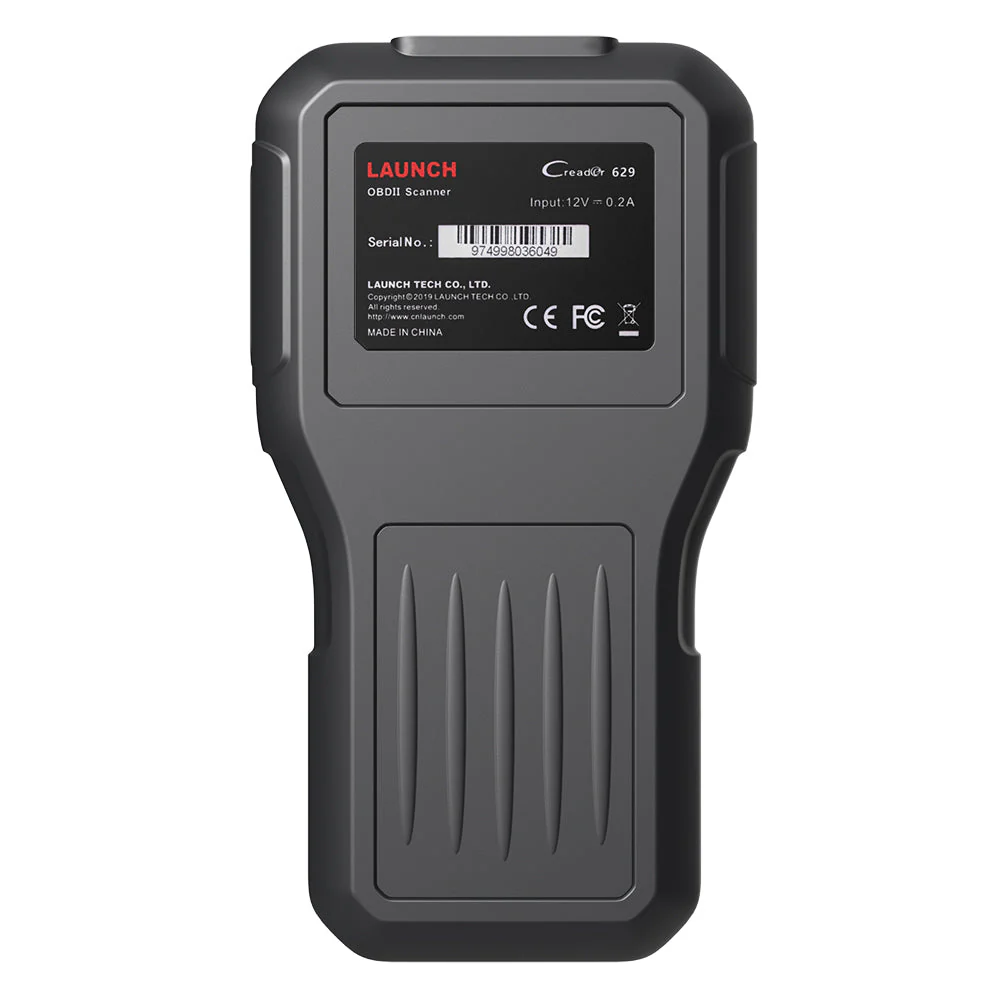
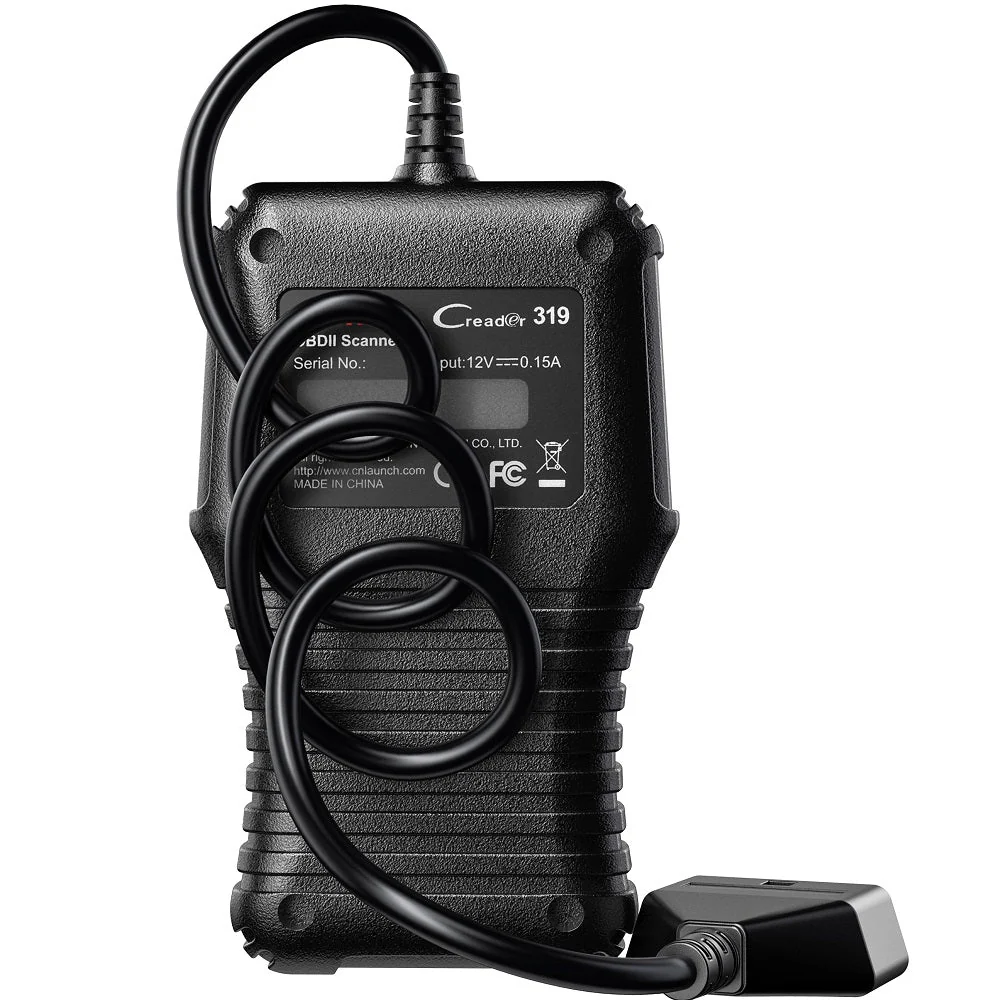
Step 3: You will be prompted to type in the serial # (located on the back of the tool)
Step 4: Hit [Device Upgrade] to enter the register page, type your email info (check the "Register Code" on the device menu "Help--Tool Information" ).
Note: the “User password” is equal to the “Register Code.”
Step 5: Install the TF card from the tool into the supplied USB TF card adapter and insert into USB port of CPU.
Step 6: Reopen the CRP update Suite and select the updates you would like to preform or click select all and click Download.
Step 7: Once all steps are complete, reinsert the TF card into the tool and power the tool via USB in computer or via OBD2 port in vehicle. The tool will prompt you to upgrade, select OK button on tool to proceed.
Data Recording & Printing
This diagnostic tool can record DTCs, live data streams, and freeze frames, and the data recorded is useful for analyzing engine health status. The diagnostic results can be printed for identifying problems, reviewing problems, and solving problems.
Details & Craftsmanship
Every detail has been carefully considered to bring you the perfect product.
Description
Compared to other 95% OBD2 scanner in the market, Launch Creader VII+ can test Transmission System, while many other Same types of Scanners DOES NOT!
LAUNCH Creader VII+ OBD2 Scanner highlights:
– Retrives Manufacturer Specific Enhanced Data for Domestic, Asian and European vehicles
– Reads and Records Data Streams for ABS, SRS, Transmission and Engine
– Auto ID Vehicles, Auto Module Search & Fast Protocol ID
– Reads and clears codes on Engine, Transmission (A/T), ABS, and Airbag (SRS) systems – on most makes and most models (16 Pin) after 2006 year .
– Support for all 10 test modes of OBD II with Enhanced OBD II Mode 6 – View freeze frame data and I/M Readiness monitor status
– Retrieves generic and manufacturer specific codes
– Current, Permanent & Pending
– Graph, record, and replay data in full color
– Menu with DTC definitions in English, Spanish, French, German, Italian, Russian, Japanese, and Portuguese.
– Intuitive Interface and Button Operation with Sleek, Rugged Design 3.5” TFT full color display
– Free Internet updates
– Prints data via PC
ABS System Diagnostic
Like other systems, braking systems have evolved and become more complex, with multiple sensors and actuators operating together to make braking more smooth, consistent and safe for everyone. The LAUNCH Creader VII+ scan tool allows the user to monitor and diagnose critical ABS systems to ensure that repairs to this critical system are effective, and complete.
Full OBD2 Functions - 10 OBDII Test Modes
The LAUNCH code reader Creader VII+ is an enhanced scan tool specially designed for most 1996 and newer OBDII-compliant vehicles. Compared to basic OBD2 scanner/code readers, it provides complete OBDII diagnostics, including:
Read and Clear DTCs: Show the detailed description of the Diagnostic Trouble Code (DTC) and clear/reset the diagnostic information.
Turn-off Malfunction Indicator Light (MIL).
Read I/M Readiness Status: Show whether the various emissions-related systems on the vehicle are operating properly and are ready for inspection and maintenance testing.
Read Live Data Stream: Show the information of continuous data stream from vehicle in live graphic (waveform) display.
Read Freeze Frame Data: Check the certain vehicle conditions which are recorded by the on-board computer at the time the emission-related fault occurs.
O2 Sensor Test: Show the last results of O2 sensor test in graphic display for troubleshooting.
On-Board Monitor Test: Read the results of on-board diagnostic monitoring tests for specific components/systems.
Read Vehicle Information: Display the information such as VIN (Vehicle identification Number), CID (Calibration ID) and CVN (Calibration verification number), etc.
EVAP Test for Fuel Tank System (Carbon canister test).
View Live Data Graphing of Engine/AT/Airbag/ABS System
4 Live Data Stream Analyse in 1 Graph:
This OBDII code reader has big size LCD color screen. it also shows live vehicle sensors data in text, multiple graph format shows 4 live Readiness and allows you to focus on any suspicious or symptom-specific data parameters of Engine & AT & Airbag & ABS System.
How to Register & Update This Scan Tool LAUNCH Creader VII+?
Step 1: Go to LAUNCH official website (refer to the "User Guide" in the "Product guides and documents "section of product webpage) and click Updating Tool Download icon.
Step 2: Download and install the Creader VII+ update tool and launch the program when installed.
Step 3: You will be prompted to type in the serial # (located on the back of the tool)
Step 4: Hit [Device Upgrade] to enter the register page, type your email info (check the "Register Code" on the device menu "Help--Tool Information" ).
Note: the “User password” is equal to the “Register Code.”
Step 5: Install the TF card from the tool into the supplied USB TF card adapter and insert into USB port of CPU.
Step 6: Reopen the CRP update Suite and select the updates you would like to preform or click select all and click Download.
Step 7: Once all steps are complete, reinsert the TF card into the tool and power the tool via USB in computer or via OBD2 port in vehicle. The tool will prompt you to upgrade, select OK button on tool to proceed.
Data Recording & Printing
This diagnostic tool can record DTCs, live data streams, and freeze frames, and the data recorded is useful for analyzing engine health status. The diagnostic results can be printed for identifying problems, reviewing problems, and solving problems.